How to Connect Claude to Made With AI in Two Minutes
The setup behind every "Did you know Claude can..." video. No code, no developer, and your first five users are free.
John Porter · November 23, 2026 · 5 min read
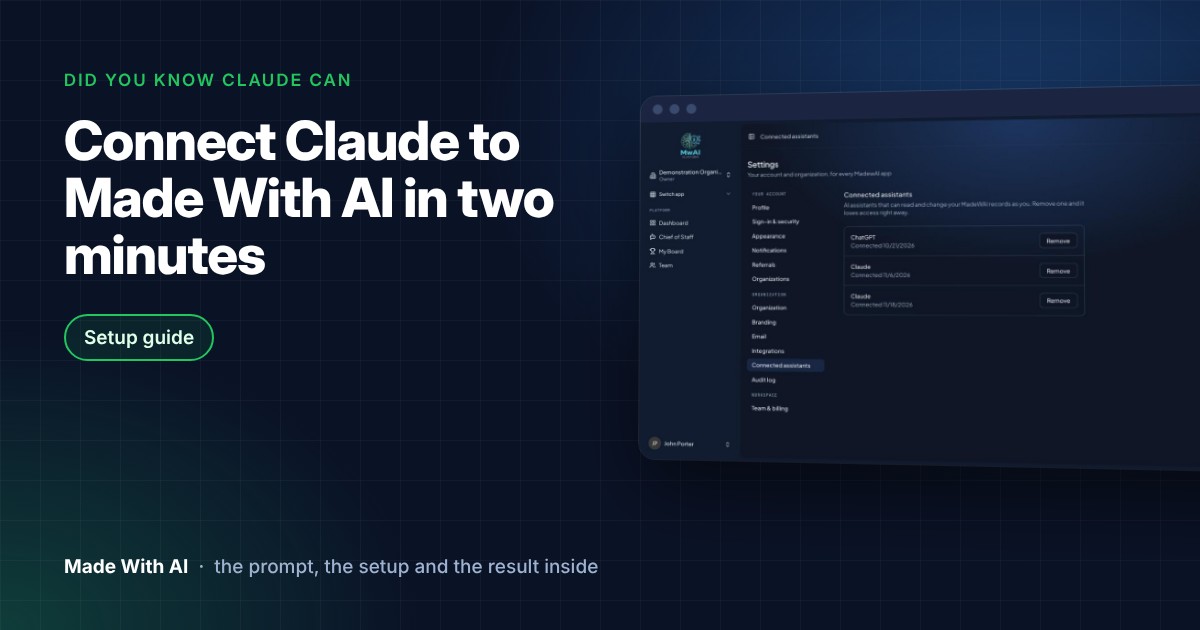
If you found this from one of my videos, you probably commented a word and wondered if it was real. It is. Every video in the series uses the same setup, and it takes about two minutes.
This post walks through that setup once. Each video then has its own post with the exact prompt I used, so you can copy it and run it yourself.
What you're connecting
Claude is the assistant you talk to. Made With AI is where your work lives: Lead, Pipeline, Success, Task, Learn, Buy, Comply and Ledger. The connection between them is MCP, the Model Context Protocol. It's the standard way Claude talks to outside apps.
Once it's connected, Claude doesn't just tell you what to do. It does the work inside your apps, as you, with your permissions. Every record it creates or changes shows up in the app the same way it would if you'd clicked through it yourself.
Step 1: Sign up for Made With AI
Go to madewai.com and click Start free. No credit card.
Pricing is simple:
- Your first five users are free.
- After that it's one dollar per user, per month, per app.
- The whole suite caps at twenty dollars per user, per month.
That's the point of the series. A CRM, a project tool, a training platform, vendor management, compliance and books, all affordable enough that you stop stitching together ten tools.
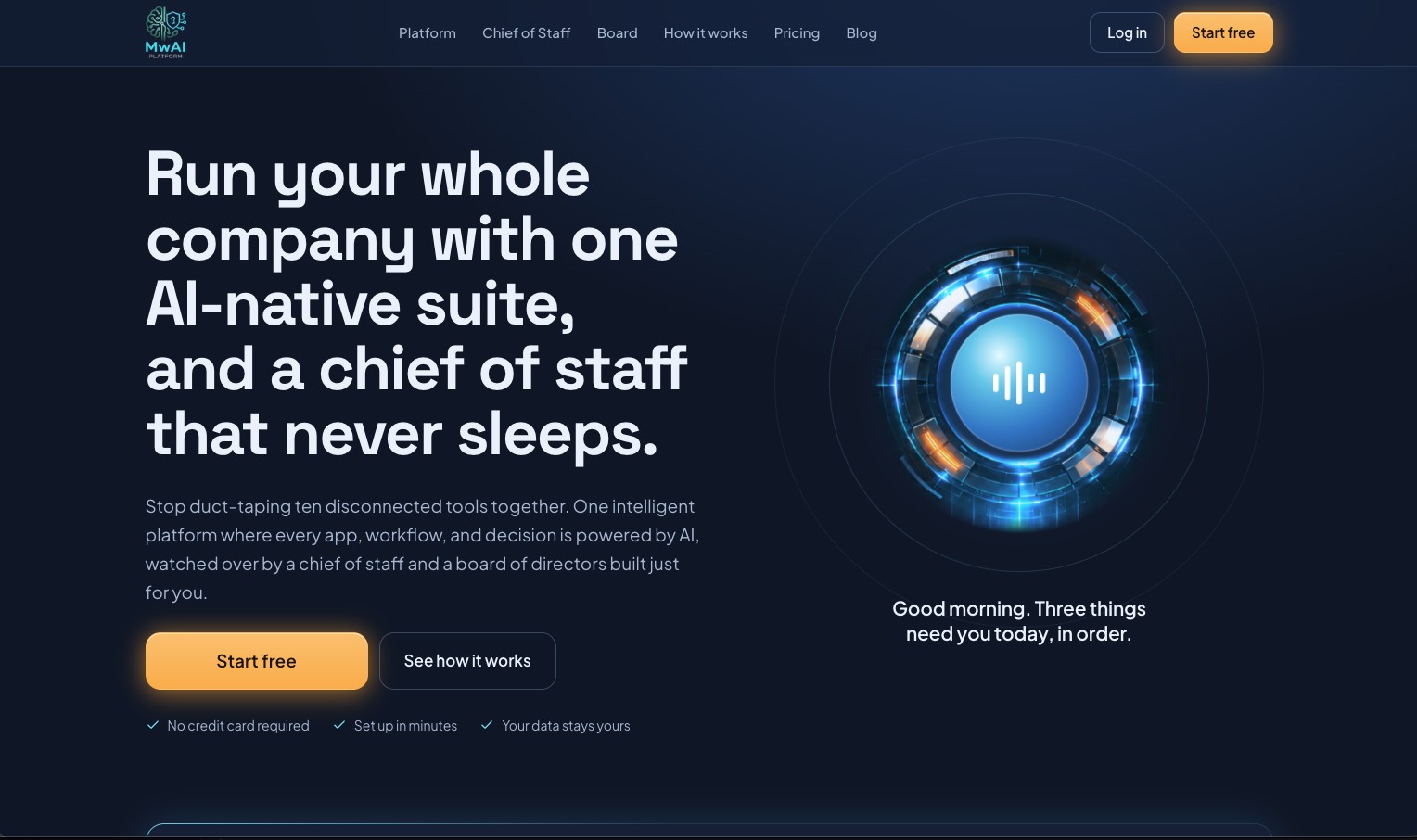 Start free at madewai.com. No credit card.
Step 2: Copy your MCP link
The Made With AI MCP link is:
https://madewai.com/mcp
That's the only thing you need to paste.
Step 3: Add it to Claude as a custom connector
- In Claude, open Settings, then Connectors.
- Click Add custom connector.
- Paste
https://madewai.com/mcpand give it a name like "Made With AI". - Click Connect and sign in with your Made With AI account.
That's the whole setup.
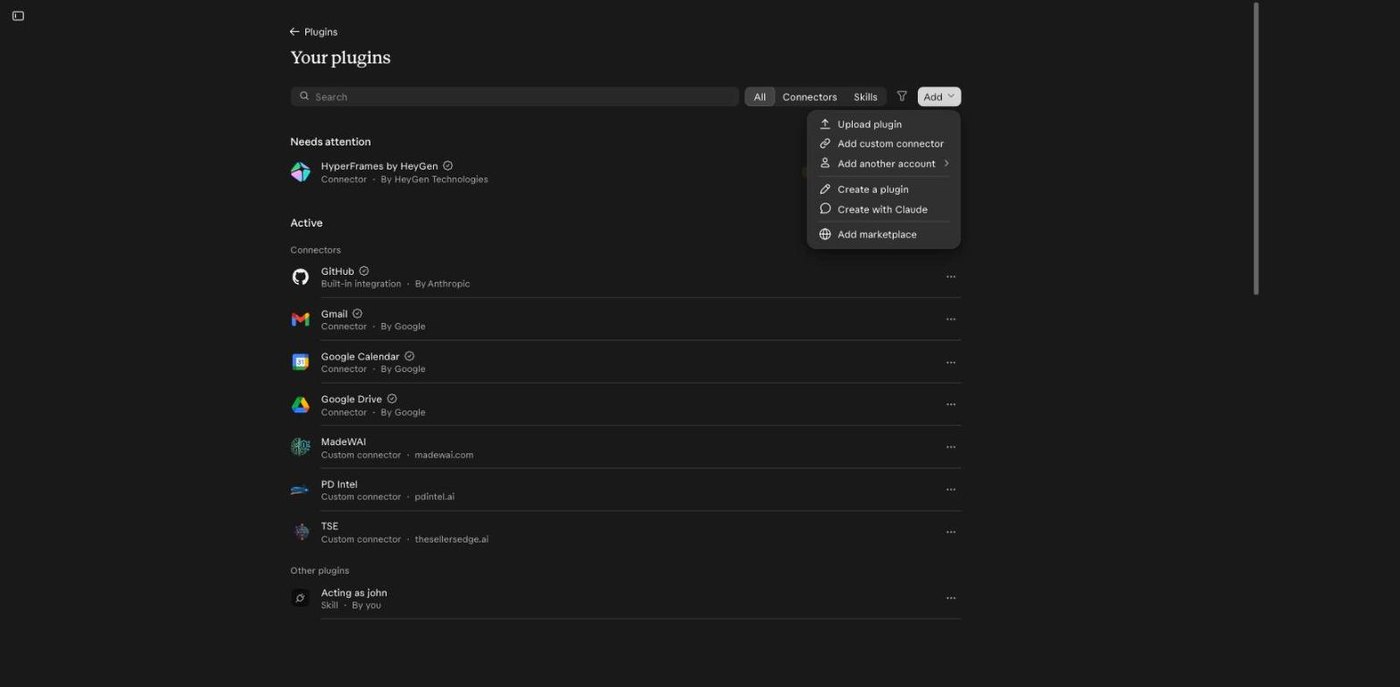 In Claude, Add, then Add custom connector.
Step 4: Check that it worked
Ask Claude:
Who am I connected as in Made With AI?
Claude answers with your name, your organization and every app you can use. In Made With AI you'll also see Claude listed under Settings, Connected assistants. If you ever want to cut it off, that's where you do it.
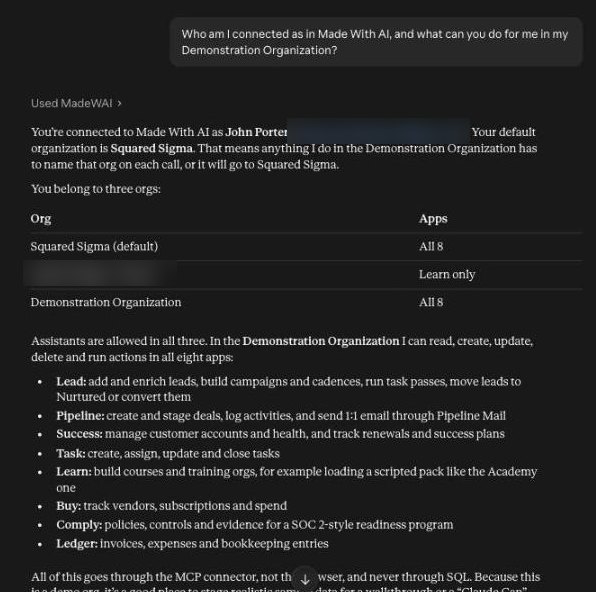 Ask who you are connected as. Claude lists your orgs and the apps it can use.
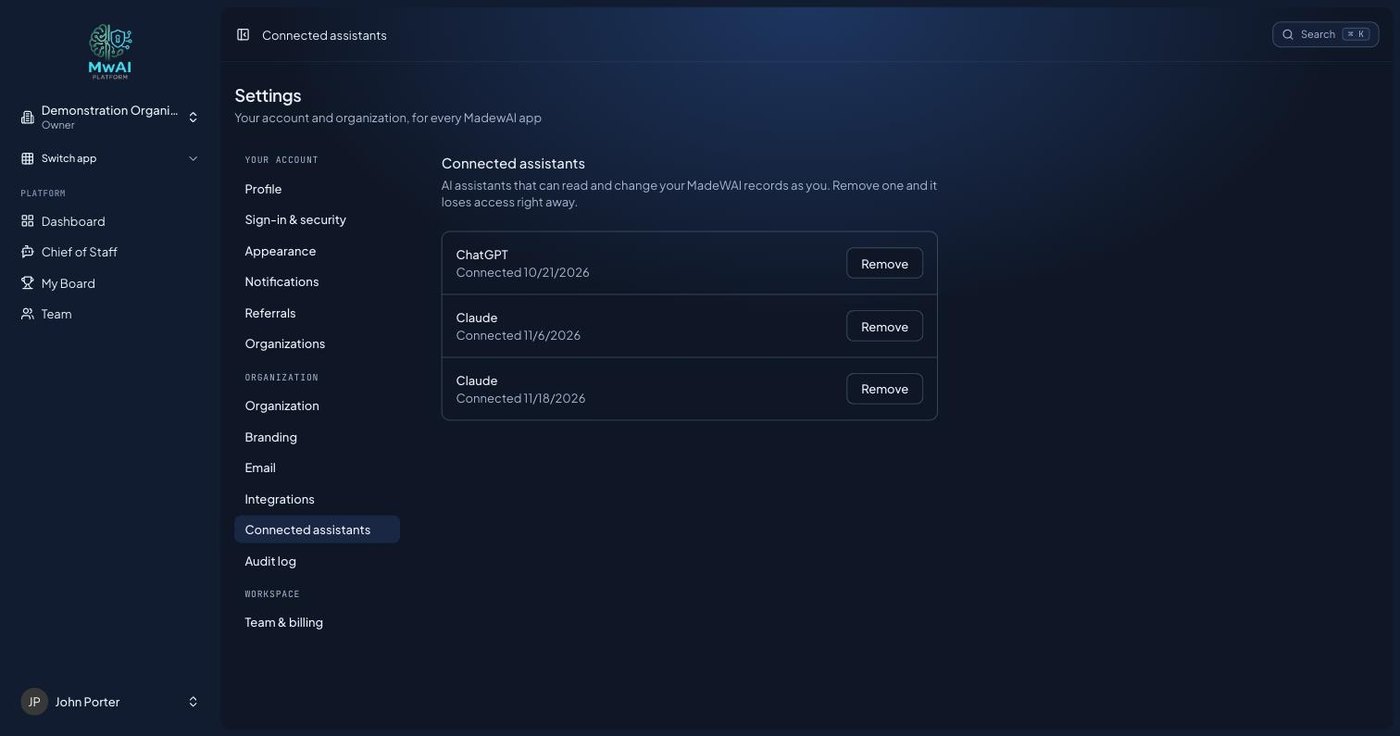 Claude now shows under Connected assistants in your Made With AI settings, and you can remove it any time.
Optional: add The Seller's Edge for the sales videos
A few videos pair Made With AI with The Seller's Edge, our AI research agents for sellers. The Seller's Edge does the account research. Made With AI stays the system of record. Claude sits in the middle and moves the findings into the right place.
To add it, sign up for The Seller's Edge, copy its MCP link, and add it to Claude as a second custom connector, the same way as Step 3.
Things worth knowing before you start
- Claude works as you. It can only see and change what your user can see and change.
- Nothing sends on its own. In my videos Claude builds campaigns and drafts openers, but nothing goes out to a customer unless I say go.
- Try it in a demo org first. Everything in my videos runs in a demonstration organization with fictional people and companies, plus public information on real companies for the research examples.
- Check the work. Claude is fast and usually right. Look at what it wrote before you rely on it, the same way you'd review a new hire.
The prompts from the series
Each of these has the exact prompt from the video, what Claude did, and a few variations to try:
- Work your webinar list in one question (HOT)
- Build a five step outbound cadence (CADENCE)
- Turn one sentence into a project plan (PLAN)
- Build a new hire onboarding course (COURSE)
- Prep a first meeting from one question (PREP)
- Write an executive brief before a C-suite meeting (BRIEF)
- Turn a one dollar CRM into an AI sales team (AGENTS)
- Catch a renewal risk your customer won't mention (RENEWAL)
- Onboard and offboard vendors (VENDORS)
- Catch auto-renewals before the opt-out window closes (CONTRACTS)
- Write your SOC 2 policies (AUDIT)
- Find what your books are missing (BOOKS)
Set it up once and all of these work.
Try it on your own business
No credit card required. Set up in minutes.